/ tools / plume

Video editor · Windows
Plume
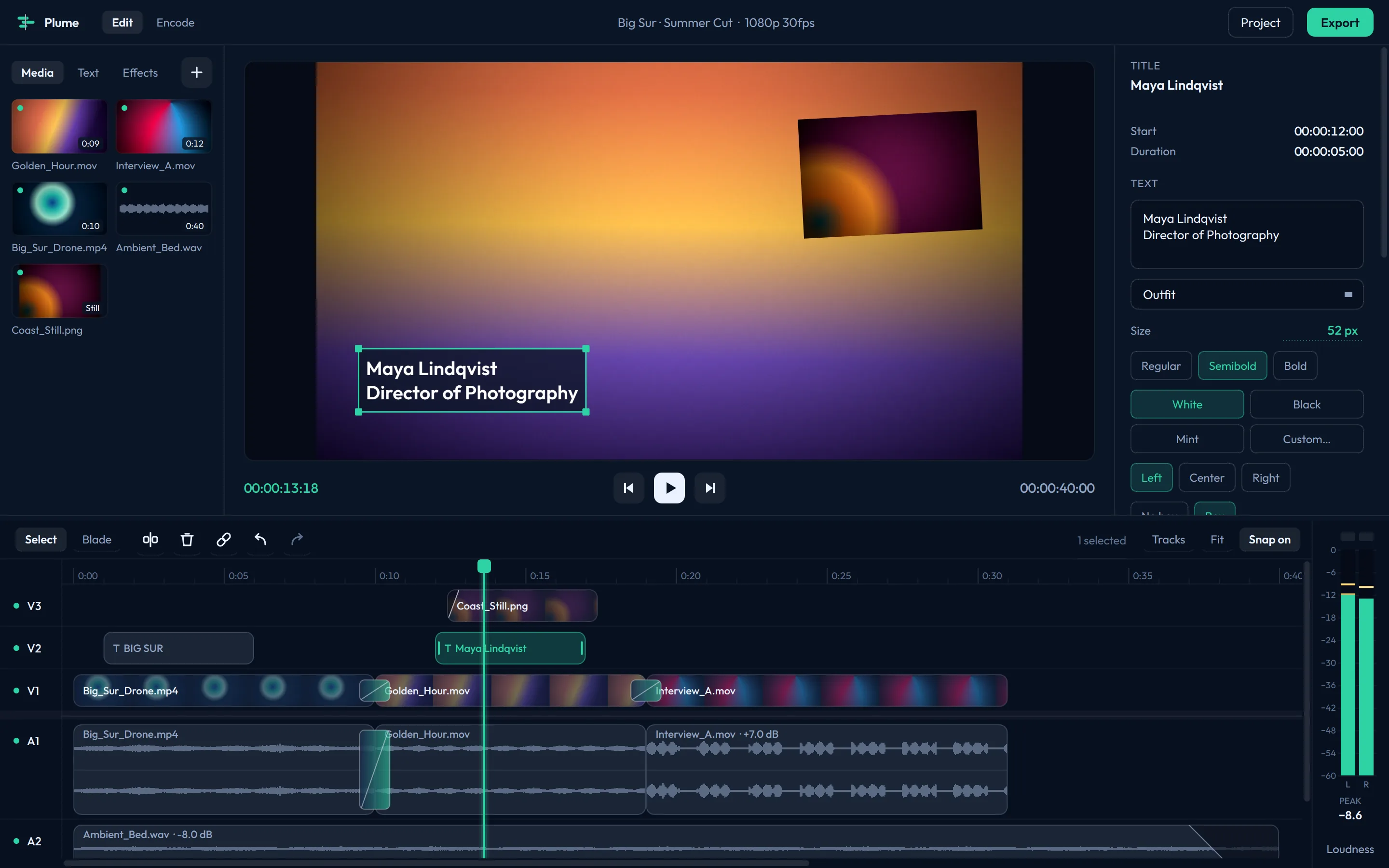
A lightweight video editor with a bulk encoder built in. A quick tool for quick edits.
Why Plume
For the edits that don't need the big app
I edit in a full professional application every day, and I still catch myself wanting something lighter: a tool I can open, use, and close. Opening the big app means loading a project, digging through menus and filling in sequence settings, all before I've made a single cut.
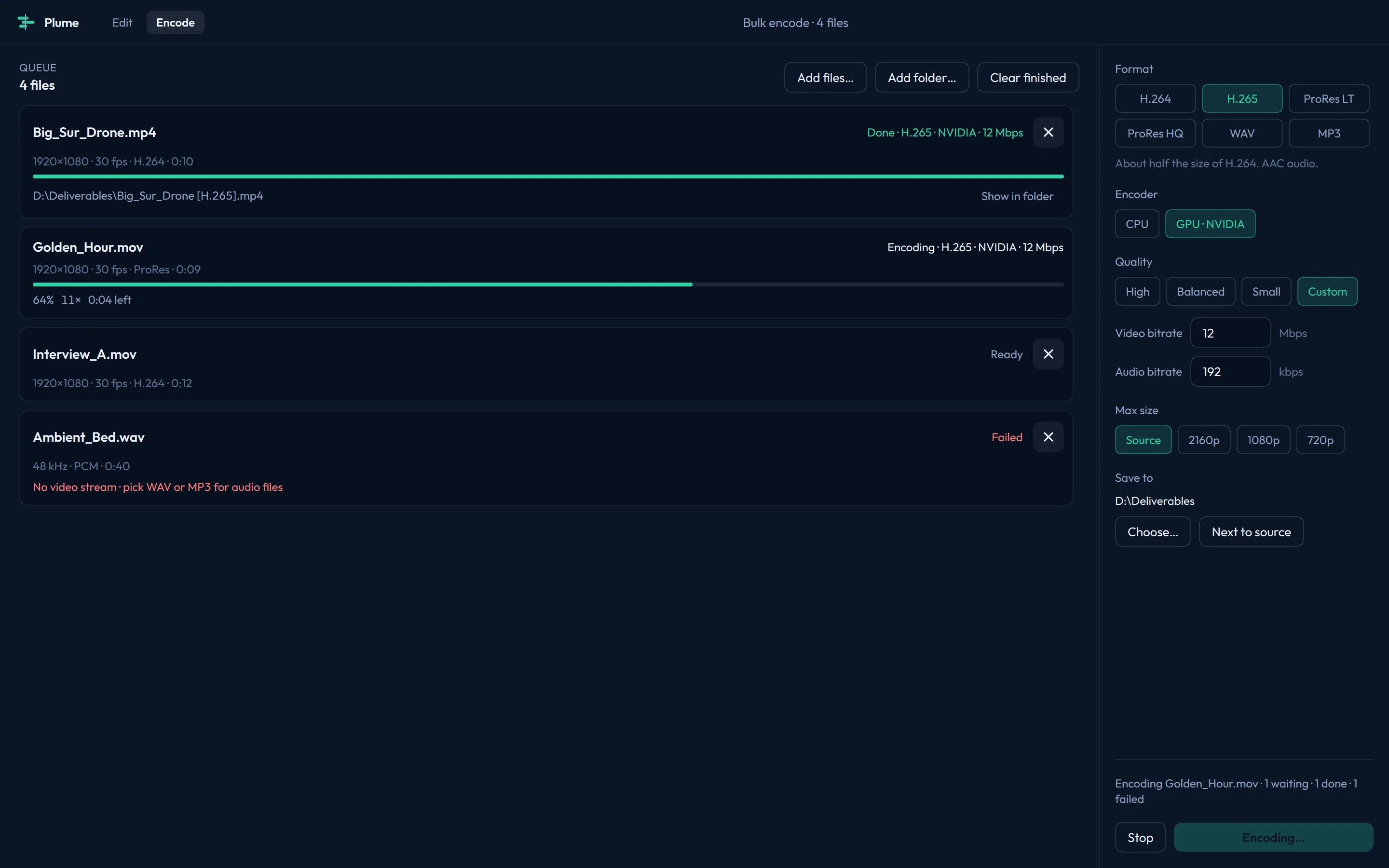
Plume opens straight to a timeline. Drop in a few clips, make your cuts, and export. When a file just needs to be in a different format, the encoder has the common ones ready to go, and it'll convert a whole folder at once.
Keys
Shortcuts
| Space L K | Play / stop · play faster · stop |
|---|---|
| V C | Selection tool · Blade tool |
| Ctrl+K | Add an edit at the playhead |
| Delete Shift+Delete | Delete, leaving a gap (or close a selected gap) · ripple delete |
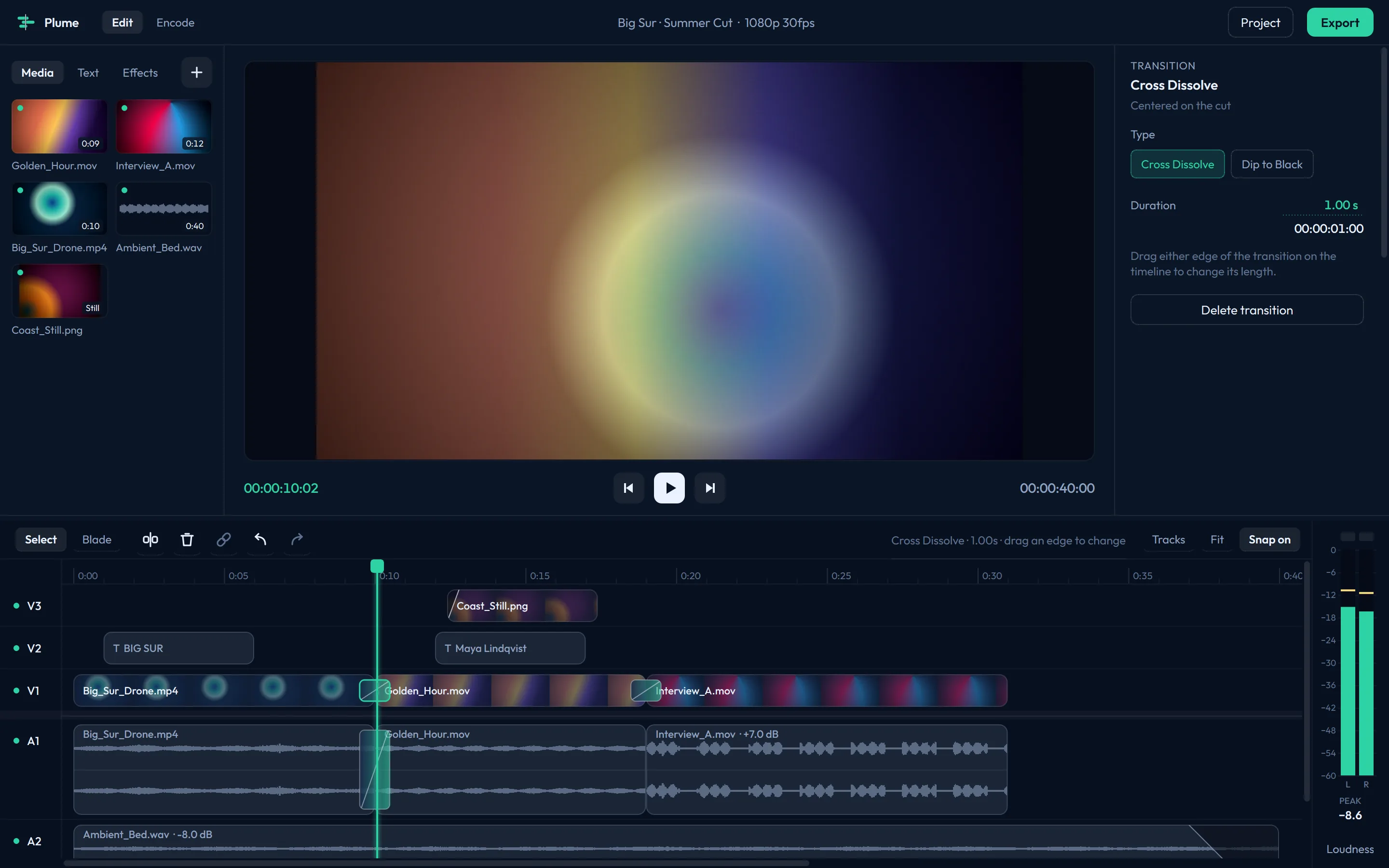
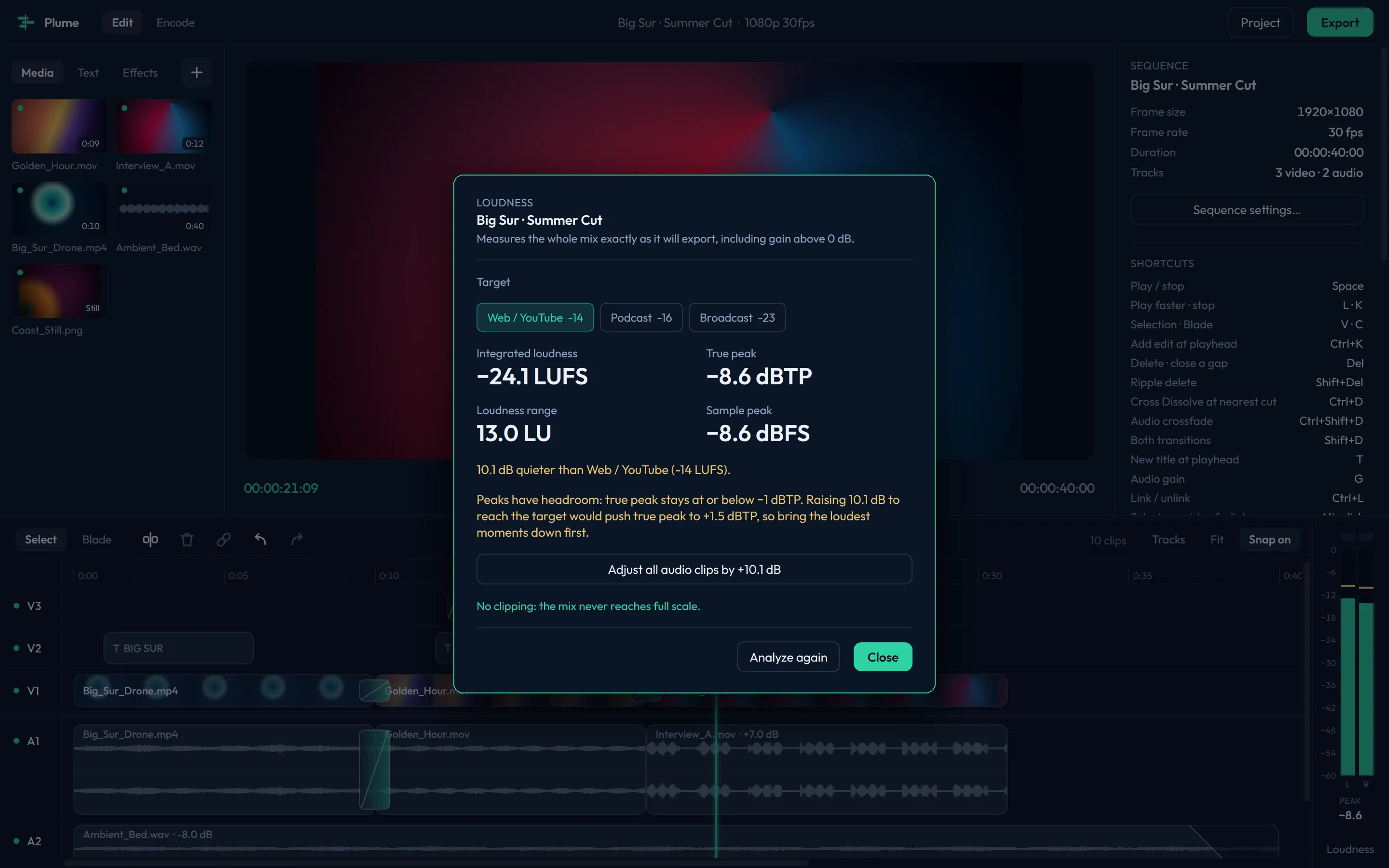
| Ctrl+D Ctrl+Shift+D Shift+D | Cross Dissolve · audio crossfade · both |
| T G | New title at the playhead · audio gain |
| Ctrl+L Shift+E | Link / unlink · enable / disable a clip |
| S | Snap on / off |
| ← → ↑ ↓ | Step one frame (Shift for five) · previous / next edit |
| Alt+wheel = − \ | Zoom the timeline · zoom in, out, fit |
| Ctrl+= Alt+= Shift+= | Taller video tracks · audio tracks · all tracks (with − for shorter) |
| Ctrl+I Ctrl+M | Import · export |
| Ctrl+Z Ctrl+Shift+Z | Undo · redo |
Windows will warn you on first run
The installer isn't code-signed, so Windows shows a blue "Windows protected your PC" screen the first
time. Click More info, then Run anyway. You'll only see it once.
It installs under your own account (no admin password needed) and uninstalls from Settings → Apps.